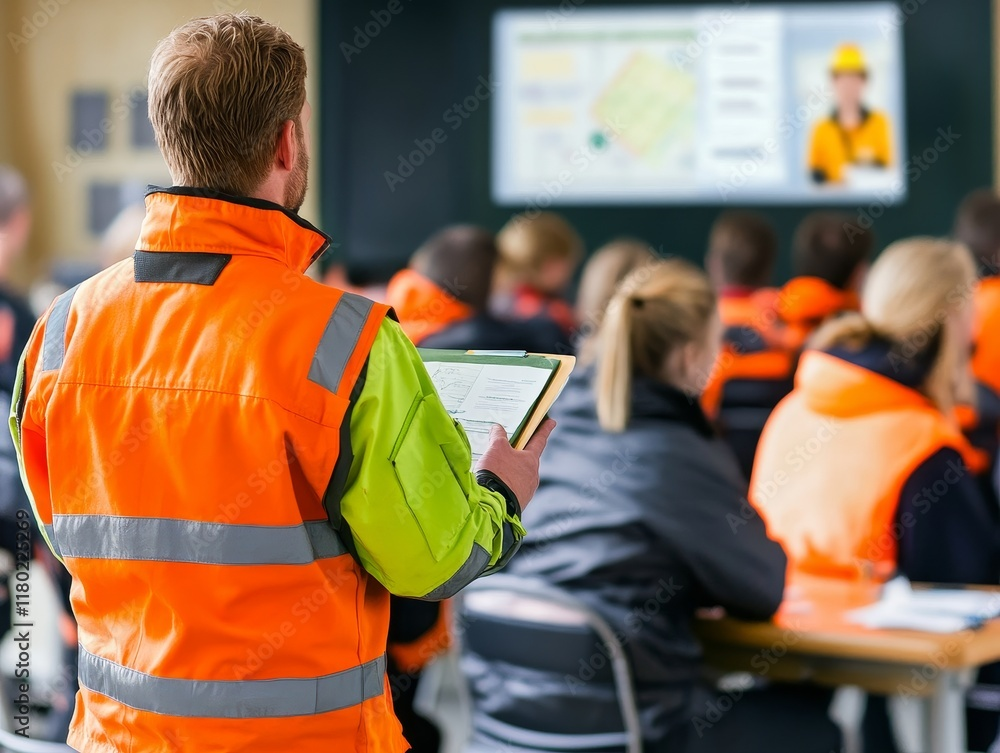
Digital tools transform traditional instruction from something passive to something practical. They allow you to:
- Show instead of tell
- Practice instead of memorize
- Engage instead of lecture
- Personalize instead of generalize
When digital elements are paired with an instructor’s insight, they create a blended learning experience that feels modern, interactive, and relevant to the pace of real operations.
A classroom is limited by the imagination of the people in it. A digital twin removes that barrier.
With a 3D model of your facility or process, instructors can walk employees through:
- Lockout/tagout paths
- Hazard zones and pinch points
- Start-up and shutdown sequences
- Equipment locations and flow paths
This turns abstract explanations into something visual and concrete. New hires make sense of the facility before they ever set foot in it. Experienced operators see procedure changes instantly. And everyone develops a shared mental model of the worksite.
Digital twins also create repeatability. Every class sees the same environment, the same hazards, and the same scenarios, which reduces training variability between instructors.
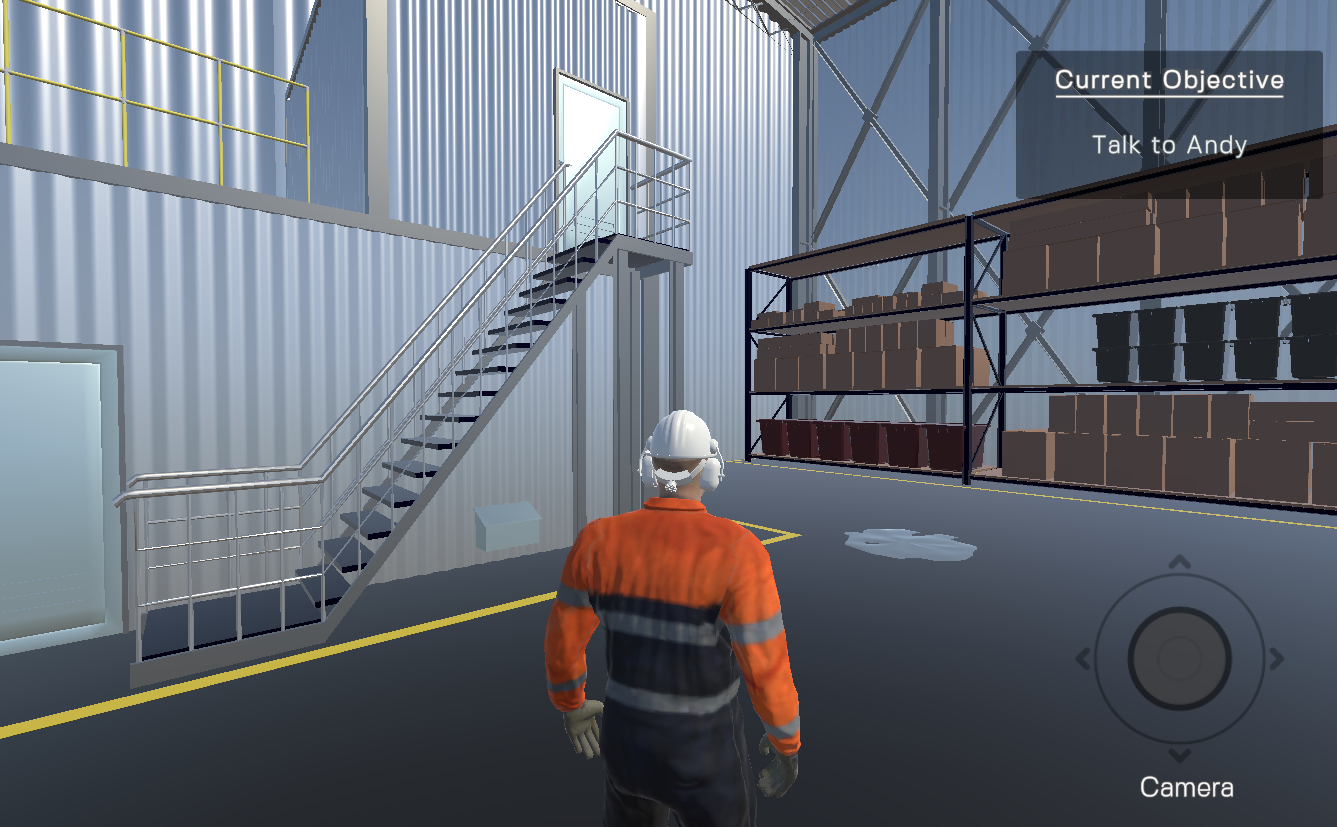
A classroom can tell someone what the right choice is. A game lets them make the choice.
In-room activities can include:
- Hazard-spotting games
- Procedure-based decision trees
- Timed problem-solving challenges
- Equipment identification exercises
These activities trigger the brain systems responsible for pattern recognition, risk judgment, and procedural memory. They keep employees alert and involved, especially during longer sessions.
Most importantly, interactive elements create safe failure. An employee can choose the wrong valve or miss a hazard in a low-stakes exercise and learn from it instantly. This kind of feedback loop is nearly impossible to replicate in a live setting.
Instead of spending 20 minutes explaining a concept verbally, you can show a 90-second guided video, animation, or micro-module.
Examples of micro-learning that fit seamlessly into the classroom:
- A short animation of a compressor cycle
- A 3D walkthrough of an equipment lineup
- A quick demonstration of a high-probability hazard
- A step-by-step visual for a procedure change
These micro-sessions refresh attention, minimize cognitive overload, and drastically improve retention. They also give instructors natural break points to reinforce key messages or invite discussion.
You do not need to overhaul your entire training program. Start with simple, high-impact steps:
- Open a class with a 30-second digital twin overview to orient new hires.
- Insert a one-minute animation instead of explaining a complex process verbally.
- Add a hazard-spotting challenge in the middle of a session to reset focus.
- Use a procedure-based interactive exercise to end a class on practical application.
- Send a micro-module recap after class so employees can review key points on their own time.
These small changes can transform the engagement and effectiveness of your classroom training without increasing your preparation workload.
In
real operations, employees learn through
seeing,
doing,
deciding, and
correcting.
Digital tools bring those modes of learning into the classroom.
The result is a workforce that is more engaged, retains information more effectively, and becomes field-ready faster. Employees gain confidence in what they’re doing, and organizations see more consistent training outcomes regardless of who is teaching.
You get the strengths of face-to-face instruction combined with the power of digital visualization and hands-on practice.
If the classroom still
matters in your organization,
digital tools make it
stronger. They help instructors teach more
clearly, help learners engage more
fully, and help organizations transfer
knowledge more
consistently.
Digital twins, interactive games, and micro-learning do not replace traditional training. They amplify it. And they allow your classroom time to do what it does best: connect, coach, and prepare your team for the real work that keeps your operation running safely.